Reporting, Impact & Foundation Leadership
How to build useful foundation impact reports
Published by Fundamentl, the company behind FoundationOS. Editorial policy
The short answer
Start with a decision your team or board needs to make. Define the measures that inform it, document their sources and limits, and show missing data alongside the results. Grant counts and dollars describe activity; they do not by themselves establish community outcomes.
- Define the question before selecting metrics.
- Keep activity, outputs, and outcomes distinct.
- Show reporting periods, coverage, missing data, and limitations.
On this page
Worked example · illustrative
Example: uneven reporting coverage
Illustrative scenario: 12 of 20 grantees submitted reports. The board report shows a 60% response rate and summarizes only those 12 submissions. It does not treat the other eight as having zero outcomes or extrapolate results to the entire portfolio.
1. Choose the question the report should answer
A board may need to understand whether a program is reaching its intended partners. A program manager may need to identify overdue reports. These are different questions and should not be buried in one undifferentiated dashboard.
2. Define measures before collecting more data
For each measure, record the unit, population, source, period, and owner. Ask whether the collection burden is proportionate to the decision. A consistent definition is more useful than a large set of ambiguous indicators.
3. Make coverage and limitations visible
State how many records contributed to a result, what is missing, and whether observations can reasonably be compared. Do not add incompatible measures merely because they can fit in the same chart.
Distinguish a missing report from a reported zero.
Avoid counting the same participant twice when aggregating programs.
Explain definition changes before comparing years.
4. End with a decision and an owner
Pair the findings with a short interpretation, the limits of the evidence, and the next action. If the data cannot answer the question, say what information is needed rather than implying certainty.
Put it into practice
Impact report planning worksheet
Use this worksheet to define each measure, its source, the reporting period, and the decision it supports.
0 of 6 checked
Checks are temporary for this visit. Use the editable template to keep your notes.
Preview the editable template
# Impact report planning worksheet

Audience: ____
Decision / question: ____
Reporting period: ____
Report owner: ____

## Measure definition (repeat per measure)
Measure name: ____
Type: activity / output / outcome
Definition and unit: ____
Included population: ____
Source and collection method: ____
Period covered: ____
Records received / expected: ____
Missing or excluded data: ____
Known limitations: ____
Owner: ____

## Findings
What the data shows: ____
What it does not establish: ____
Next decision or action: ____
Action owner and follow-up date: ____
A useful next read
Post-award grant management: what to track after approvalSet up an award record that connects conditions, reports, payment readiness, grantee communication, and closeout.
Want to see FoundationOS in action?
Bring questions about applications, reviews, awards, and reporting to a FoundationOS product demo.
Scheduling opens on Calendly in a new tab.
Share this strategic guide with your team & trustees
Pre-formatted for executive discussions, committee reviews, and board presentations.
Keep learning
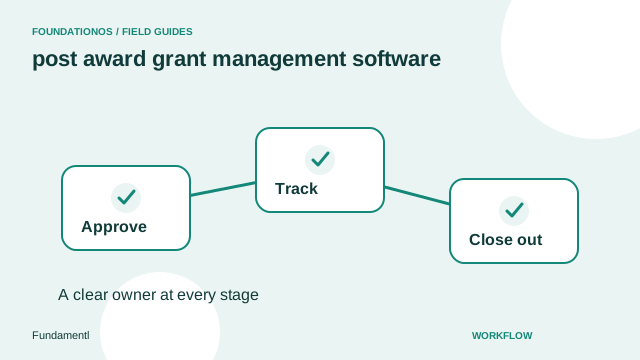
Post-award grant management: what to track after approval
Set up an award record that connects conditions, reports, payment readiness, grantee communication, and closeout.
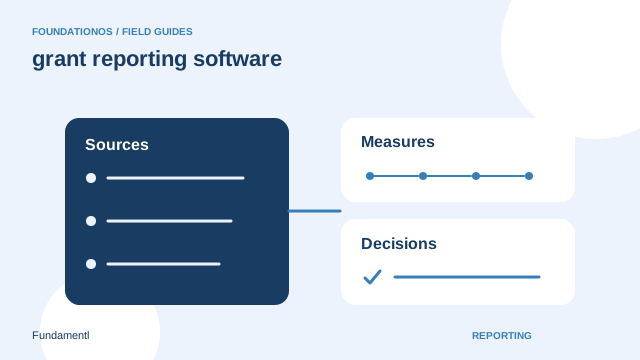
Grant Reporting Software: Simplify Outcomes, Spending, and Deadlines
A practical guide to grant reporting software, from report design and data quality to review, portfolio analysis, and follow-up.
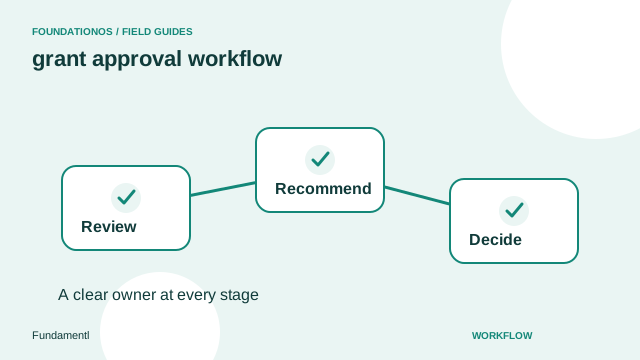
How to build a grant approval workflow
Define stages, owners, decision rules, and exception handling for grant reviews and board approvals.