Grant Operations & Workflows
5 Signs Your Foundation Has Outgrown Spreadsheets
Published by Fundamentl, the company behind FoundationOS. Editorial policy
The short answer
Spreadsheets can work for grantmaking until coordinating spreadsheets becomes a workflow of its own. Learn the signs that a connected grant management system is needed.
On this page
Overview
Spreadsheets are not bad grant management tools.
For many foundations, they are exactly the right place to start. The problem is that the spreadsheet rarely stays alone.
Soon there may be an application form, shared drive, email threads, reviewer notes, calendar reminders, grant agreements and another spreadsheet used for reporting.
Warning signs
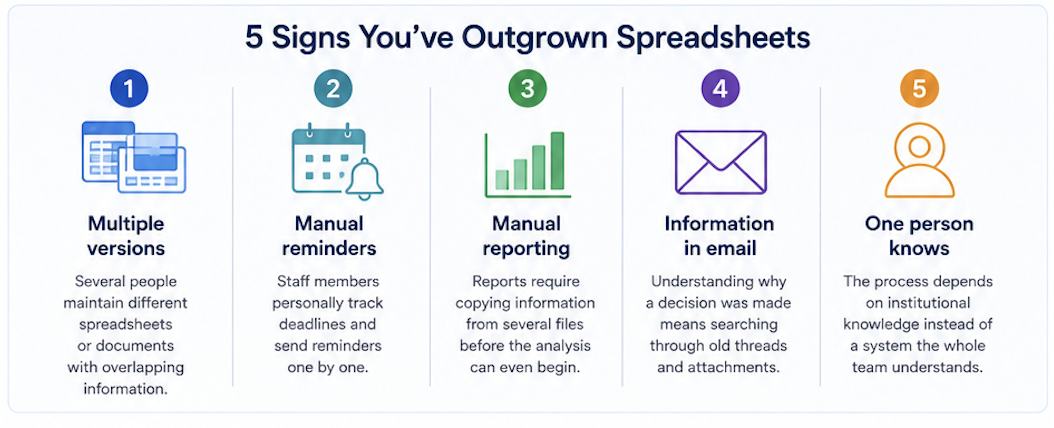
When spreadsheets start creating more work
Multiple versions of the truth
Several people maintain different spreadsheets or documents containing overlapping grant information.
Manual reminders drive the process
Staff personally track reviewer, applicant and grantee deadlines and send reminders one by one.
Reporting requires rebuilding the data
Board or leadership reports require copying information from several files before the analysis can even begin.
Grant history lives in email
Understanding why a decision was made means searching through old threads and attachments.
One person knows how everything works
The process depends on institutional knowledge instead of a system that makes the workflow understandable to the team.
The tipping point
The issue is coordination, not spreadsheets
The signal that a foundation needs a dedicated system is not the number of spreadsheets it has.
It is when coordinating those spreadsheets becomes administrative work of its own.
Before
Disconnected tools
After
One connected workspace
Before changing systems
Spreadsheets
Email
Shared drives
Calendar reminders
Reviewer notes
One source of truth
Clear workflow visibility
Connected grant history
Shared team accountability
Simpler reporting
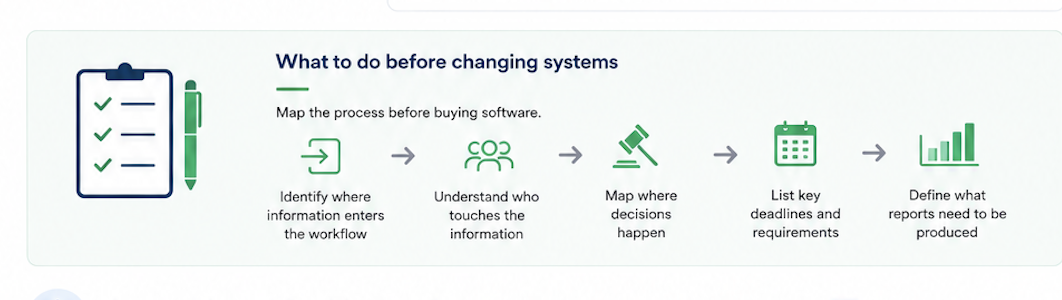
Map the process before buying software
Before selecting a new system, understand how work moves through your foundation today.
Identify where information enters the workflow
Understand who touches the information
Map where decisions happen
List key deadlines and requirements
Define what reports need to be produced
The goal
Replace coordination work, not just spreadsheets
A connected system should give your team a clearer workflow, stronger institutional knowledge and a complete view of grant activity from application through impact.
A useful next read
How to build a grant approval workflowDefine stages, owners, decision rules, and exception handling for grant reviews and board approvals.
Want to see FoundationOS in action?
See FoundationOS and discuss the workflows your team needs.
Scheduling opens on Calendly in a new tab.
Share this strategic guide with your team & trustees
Pre-formatted for executive discussions, committee reviews, and board presentations.
Keep learning
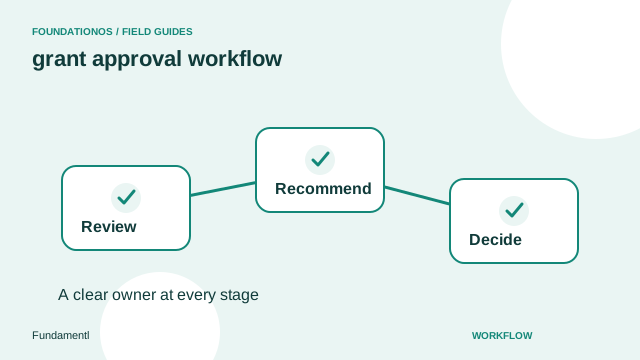
How to build a grant approval workflow
Define stages, owners, decision rules, and exception handling for grant reviews and board approvals.
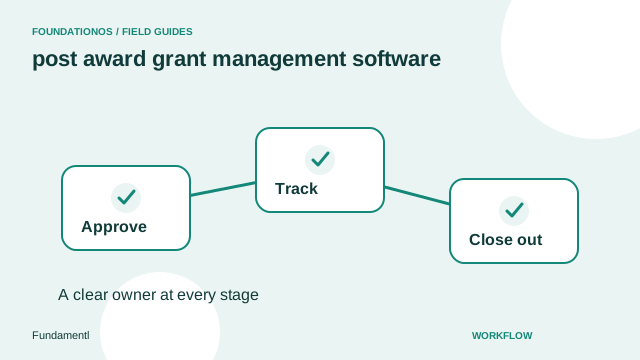
Post-award grant management: what to track after approval
Set up an award record that connects conditions, reports, payment readiness, grantee communication, and closeout.
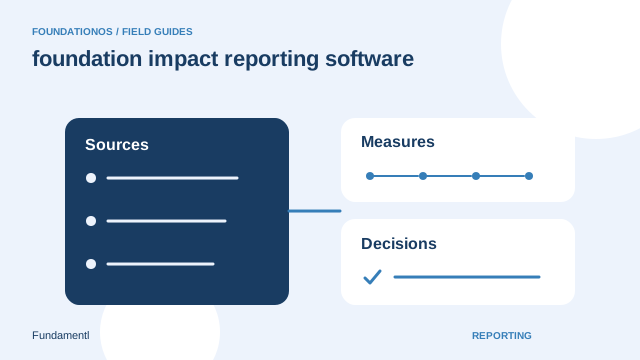
How to build useful foundation impact reports
Choose meaningful questions, define measures, and separate grant activity from evidence of outcomes.