Reporting, Impact & Foundation Leadership
Stop rebuilding reports from exports that never quite agree.
Published by Fundamentl, the company behind FoundationOS. Editorial policy
The short answer
Fundamentl reporting is designed around the real questions teams ask: date basis, focus area, invoice number, tags, campaign windows, and board-ready summaries.
On this page
Reporting that explains the work behind the number
Fundamentl reporting is designed around the real questions teams ask: date basis, focus area, invoice number, tags, campaign windows, and board-ready summaries.
Filter by date basis, donation type, status, charity, invoice, campaign, and tag.
Use visual dashboards to spot gaps before annual reporting starts.
Export focused reports instead of stitching multiple downloads together.
Compare grantmaking, employee giving, volunteering, and incentives in one reporting layer.
A useful next read
How to build a grant approval workflowDefine stages, owners, decision rules, and exception handling for grant reviews and board approvals.
Want to see FoundationOS in action?
See FoundationOS and discuss the workflows your team needs.
Scheduling opens on Calendly in a new tab.
Share this strategic guide with your team & trustees
Pre-formatted for executive discussions, committee reviews, and board presentations.
Keep learning
How to build a grant approval workflow
Define stages, owners, decision rules, and exception handling for grant reviews and board approvals.
Post-award grant management: what to track after approval
Set up an award record that connects conditions, reports, payment readiness, grantee communication, and closeout.
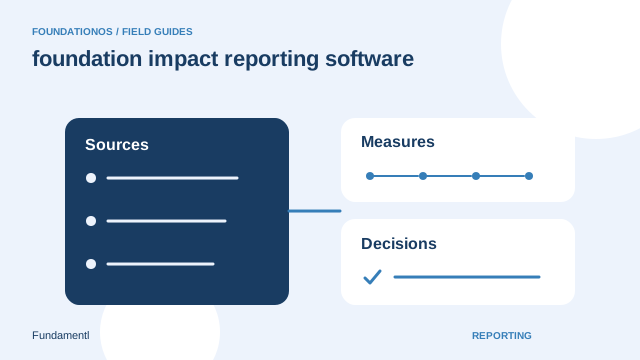
How to build useful foundation impact reports
Choose meaningful questions, define measures, and separate grant activity from evidence of outcomes.